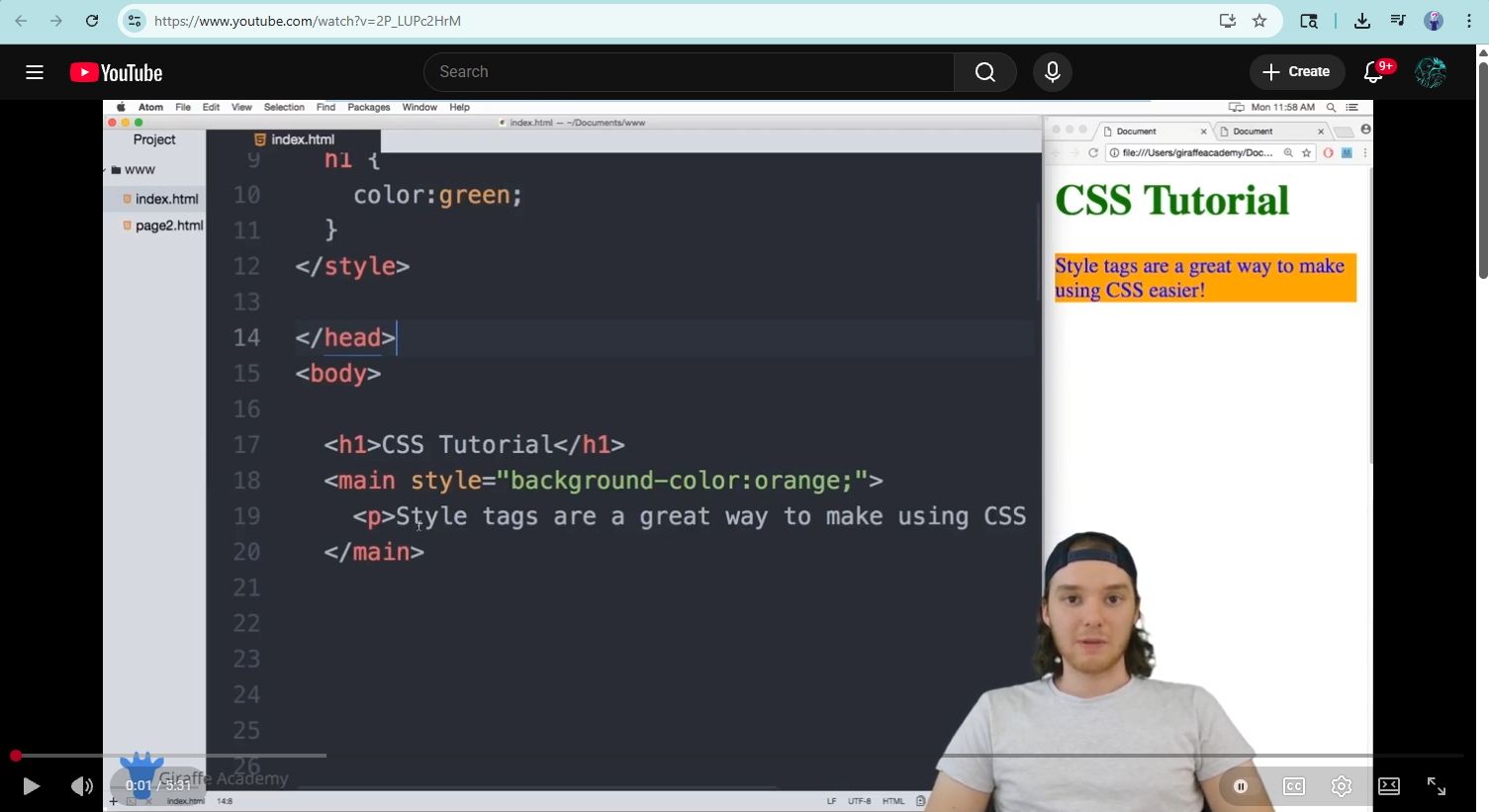
First, you must find a video, whether youtube or on something else, and open it.

Secondly you must find the share button that is usually located under the video or on the right side of the screen (using youtube, it will be under the video and look like such).
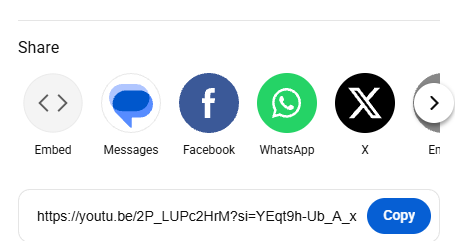
Our third step is to click share and find the embed button. After doing so, click it.
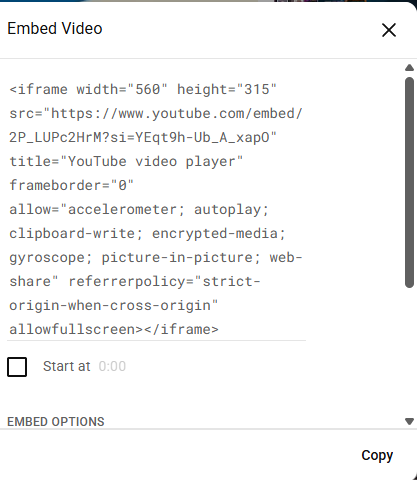
Once within the screen after pressing embed, you will see text on the right side of the screen and the video on the left. On the right side at the bottom, you will see a copy button. You will click that.

As your last step, you must actively have it coded into something. Using the code presented, you will be able to access and view the video from within the website or browser you created.